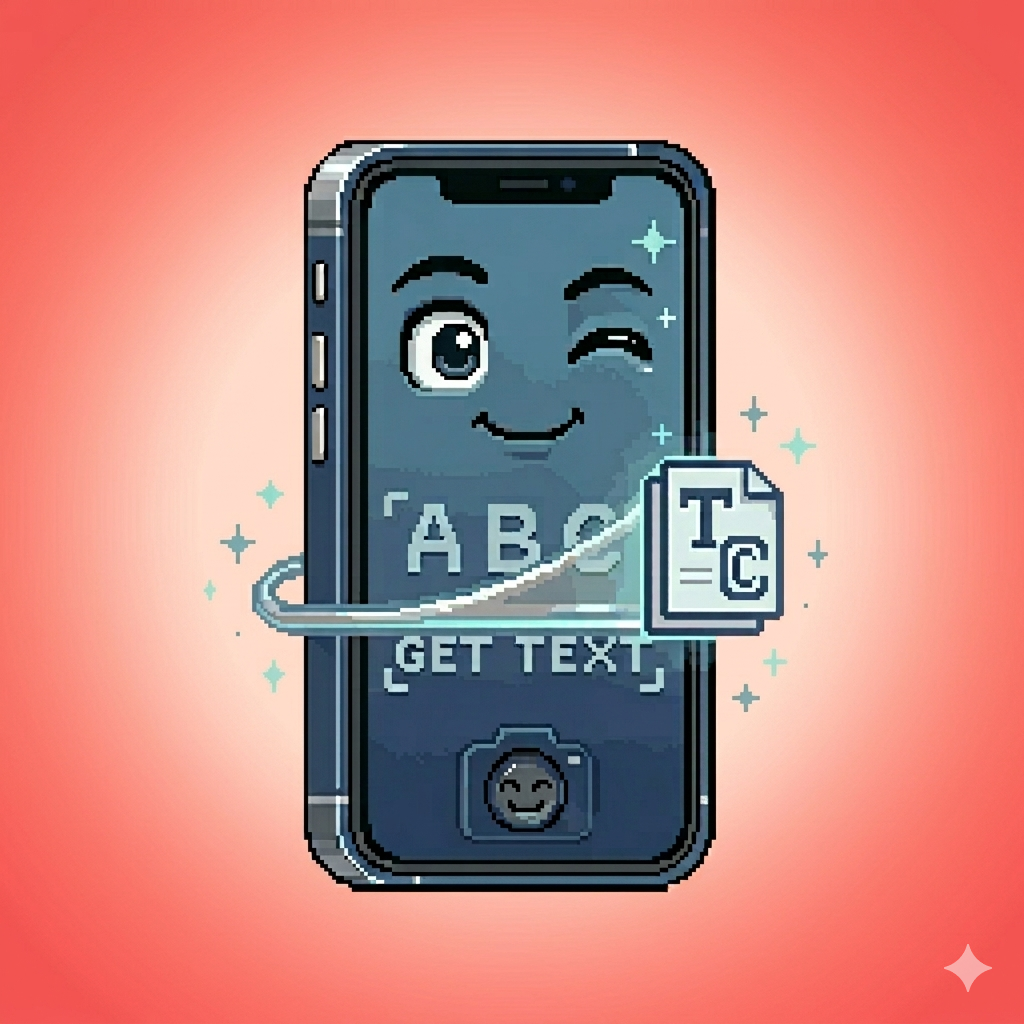
Snap. Tap. Copied.
Point your camera at text.
Tap the words you want.
They're on your clipboard.
That's the app.

One-time purchase. No subscriptions. No surprises.
Definitely done at least one of these.
"Is The Hunger Games by Suzanne Collins appropriate for a 14 year old?"
"Hey can you meet me at… hold on… 2… 7… 4? No, 3. 2743 West… ugh."
"What's in this? I can't tell if that says 'sodium laureth sulfate' or 'sodium lauryl sulfate.'"
The text is right there.
You shouldn't have to retype it.
Everything you need.
Nothing you don't.
- Text Mode
- Tap to grab text. Tap again to deselect. Long-press to edit before adding.
- Book Mode
- Title and Author fields with quick-tap toggles. Cataloguing made simple.
- Other modes?
- Buy the app
Quick Mode!
Feel lucky? Quick mode freezes and copies in one shot — no tapping, no choosing. Sometimes it nails exactly what you wanted.
Sometimes you get the barcode.
Always stylish and almost always faster than the alternative.
Winning the Snap → Tap → Copy roulette never gets old.
POWER MODE
Custom modes. Regex fields. Smart detectors that find dates, prices, and phone numbers before you do. Build your own scanner for newspapers, receipts, invoices — whatever you’re pointing your camera at.
One time purchase. No subscription, no iAP, no “Pro” tier. Only: POWER MODE
Your text stays on your phone.*
All recognition happens on-device using Apple Vision. No servers. No accounts. No analytics. Not on the site, not in the app, not on my watch.
We don't know who you are. We don't know what you scanned.
We like it that way.
Read our privacy policy →*Until you accidentally paste it into the wrong group chat.
Ready to stop typing
what you can see?
iOS 17+ · One-time purchase · No subscriptions